

Smart device usage and 5 problems affecting the fingers
While mobile phones, computers, and tablets make daily life easier, they can also increase the strain on our hands and fingers. Our fingers—already constantly in use for daily tasks such as food preparation, personal care, and cleaning—are subjected to prolonged activity when using digital devices.
The shift of work, education, and socializing to digital platforms during the COVID-19 pandemic further increased the role of these devices in our daily lives. Activities such as prolonged texting, using a keyboard and mouse, or constantly holding a device can cause finger strain and exacerbate existing issues.
Holding a device in a static position also requires muscle activity; keeping the fingers tensed for extended periods to steady a phone or tablet can lead to pain and fatigue. It is important to evaluate the underlying cause when symptoms such as finger pain, swelling, stiffness, or a sensation of catching or locking occur.
Gereli, A.
1. Trigger finger
Trigger finger occurs when the tendons that move the fingers catch or fail to glide smoothly through the sheaths (tunnels) they pass through. Thickening of the tendon or narrowing of the sheath can cause pain and catching sensations when bending or straightening the finger.
In advanced cases, the finger may lock in a bent position, making daily activities difficult. Repetitive gripping motions can aggravate symptoms.
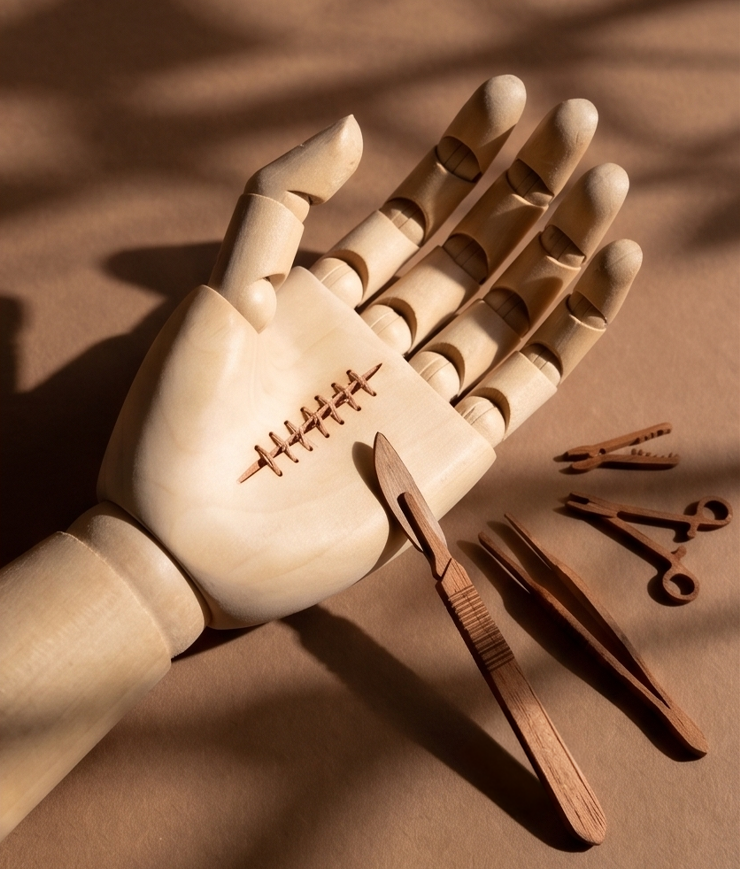
Treatment: Methods such as reducing activities that strain the finger, medication, and local cortisone injections may be used. For patients who do not respond adequately to these treatments or who experience significant locking, surgical release of the tendon sheath is considered.
2. Osteoarthritis of the finger joints
Osteoarthritis develops as the cartilage tissue in the joints wears down over time. In the hand, it can affect the joints at the tips of the fingers and the base of the thumb.
Pain, morning stiffness, and limited range of motion are among the initial symptoms. In advanced stages, bony growths on the joints and finger deformities may appear. Strenuous or repetitive use can worsen existing joint symptoms.
Treatment: The aim is to alleviate symptoms through activity modification, physical therapy, and medication. For patients who do not find sufficient relief with these methods, surgical options are considered based on the specific joint affected. In appropriate cases, surgical stabilization of the joint—also known as joint fusion—may be performed to reduce pain.
3. Tendonitis
Tendonitis is defined as the inflammation of the tendons that connect muscles to bones. Repetitive movements and prolonged strain can lead to issues with the tendons that control finger movement.
Prolonged use of a keyboard or mouse and constant texting on a mobile phone are examples of activities that cause this type of strain. Tendonitis can manifest as pain, swelling, and stiffness, particularly in the morning.
Treatment: Relief can be achieved by reducing strenuous use, as well as through medication and physical therapy. Since recovery may take time, it is also necessary to adjust daily usage habits.
4. Ligament strains
The ligaments supporting the finger joints help ensure balanced joint movement. Holding a phone or tablet in an awkward position for extended periods can place repetitive strain on these structures.
Constant strain can lead to pain, swelling, and restricted movement around the joint. Supporting the weight of the device with the same fingers for long periods can also aggravate symptoms.
Treatment: Recovery can be achieved by modifying the movements that cause the symptoms and, if necessary, using medication. Continued strain can prolong the healing process.
5. Tissue hardening and cysts
Gripping a phone or tablet for extended periods can create constant pressure on the areas where the device makes contact. Sensitivity and superficial tissue hardening may develop, particularly on the inner surface of the little finger, which often bears the weight of the phone.
Cysts originating near joints or tendons in the hands and fingers can also occur. These cysts may cause swelling, pain during movement, or restricted mobility. It is not accurate to attribute the formation of these cysts solely to the use of phones, tablets, or computers.
Treatment: For complaints related to pressure, it is important to change how the device is held and to reduce the load on the affected area. Regarding cysts, treatment is planned based on the location of the cyst and the symptoms it causes. While painless cysts can simply be monitored, various treatment options may be considered in cases where they cause pain or restricted movement.
7 tips for maintaining finger health while using smart devices
Small changes to daily usage habits can help reduce the strain on your fingers.
1. Do not hold your phone or tablet in your hand for extended periods. Place the device on a surface or use a suitable stand whenever possible. Avoid constantly supporting the device’s weight with your fingers, especially while watching videos.
2. Opt for voice communication for long messages. Instead of typing at length, use voice messaging or the voice-to-text feature when appropriate.
3. Avoid straining your thumb with repetitive motions. Holding the phone with one hand and repeatedly scrolling with your thumb can aggravate symptoms. Use both hands or place the phone on a surface when necessary.
4. Relax your hand when not using the mouse. Do not keep your hand in a constant gripping position on the mouse. Let your fingers relax during breaks from use.
5. Take regular breaks. If you must repeat the same finger movements, rest your fingers by taking a break of approximately five minutes every 20 minutes.
6. Do not pick up another device during breaks. Switching from the computer to your phone does not allow your fingers to rest. Relax your fingers without holding any objects during your break.
7. Monitor persistent symptoms. Consult an orthopedics and traumatology specialist if you experience pain, swelling, catching, locking, or loss of movement in your fingers.